HOW IT WORKS
From the request to a yes, without driving out.
Estimate software for home service businesses. You stay in charge of every price and every email.
Step 1
Customer requests
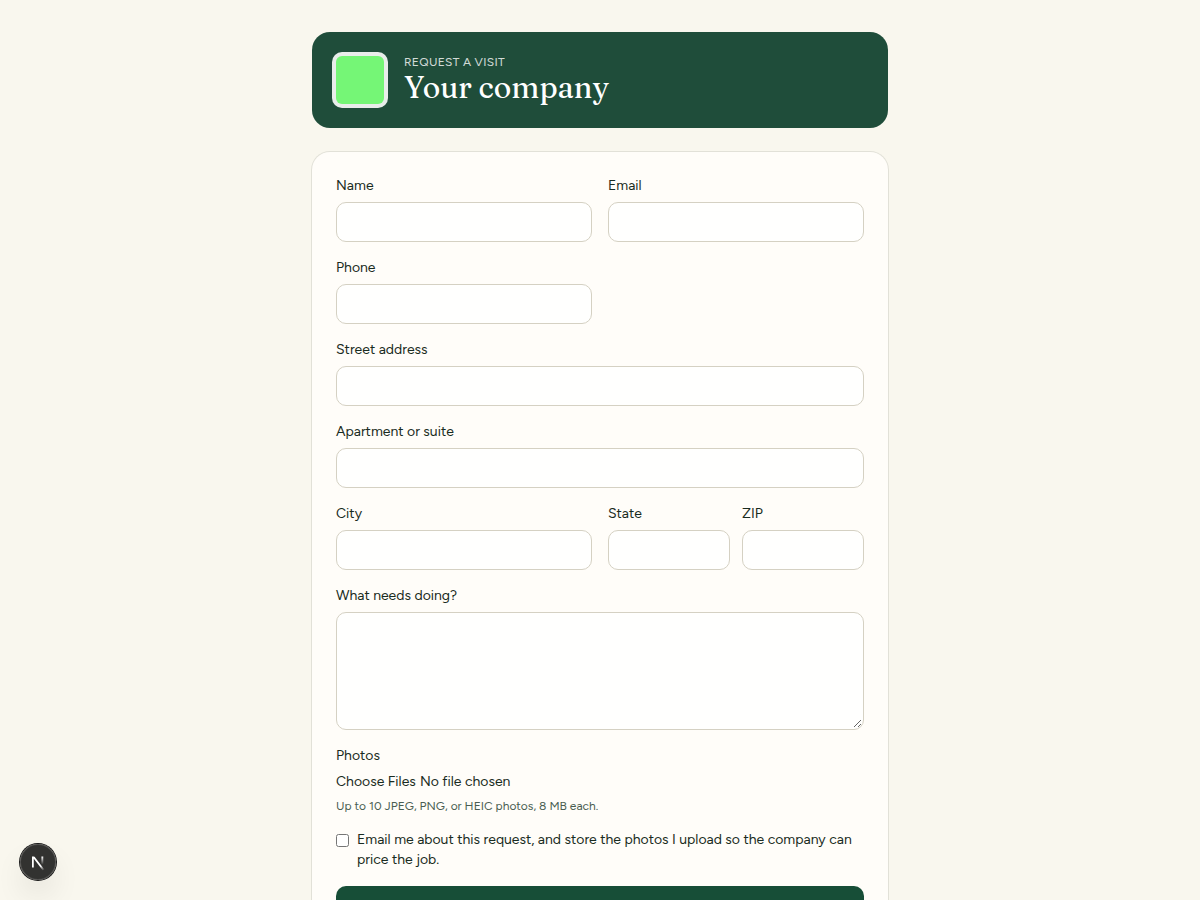
Share one page for your company. A customer enters a name, email, phone, address, and what needs doing, and can attach up to 10 photos. The page uses your logo and colors. You get an email alert when the request arrives.
Step 2
Instant draft
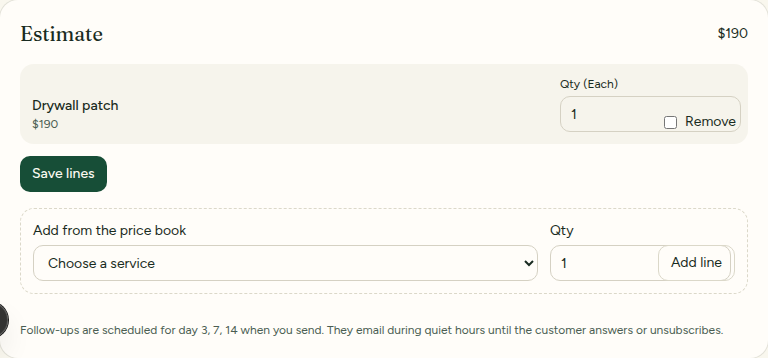
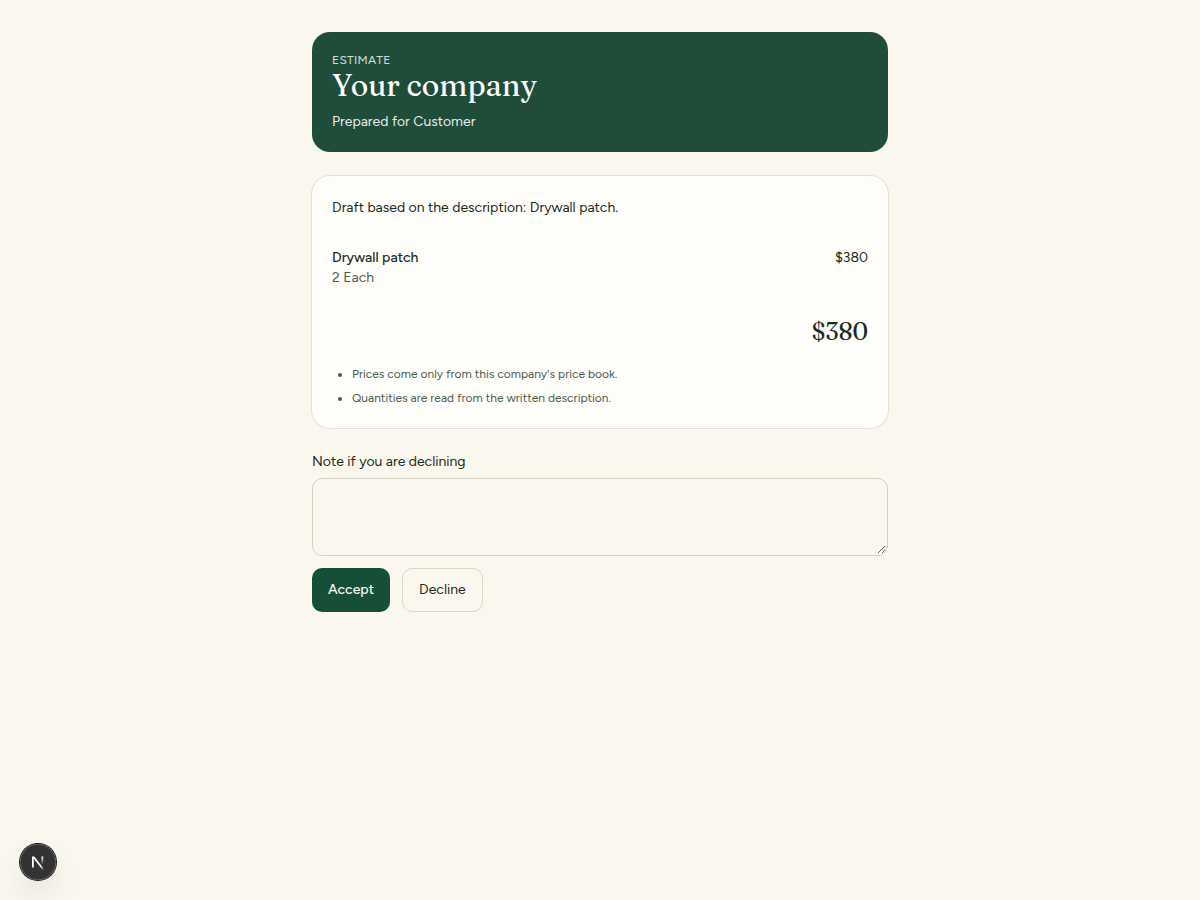
An instant draft estimate uses only the prices in your price book. It does not invent a price. If a line is missing a price, or the description is uncertain, the draft is flagged so you can look before anything is emailed.
Step 3
You approve
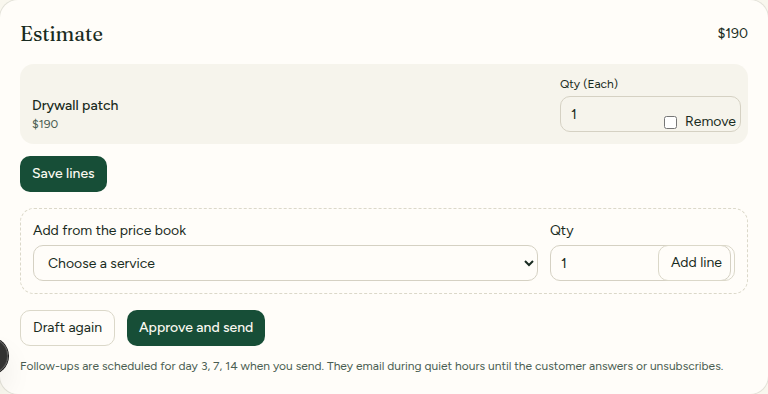
Nothing goes to the customer until you approve it. You can change quantities, add a line from your price book, and then email the estimate. The message includes your company name and address.
Step 4
They decide
The customer opens a private link and accepts or declines. That choice updates the request and emails you. You can also open your own phone’s messages, with the estimate link filled in. SteadyRoute does not send that text.
Step 5
Auto follow-up
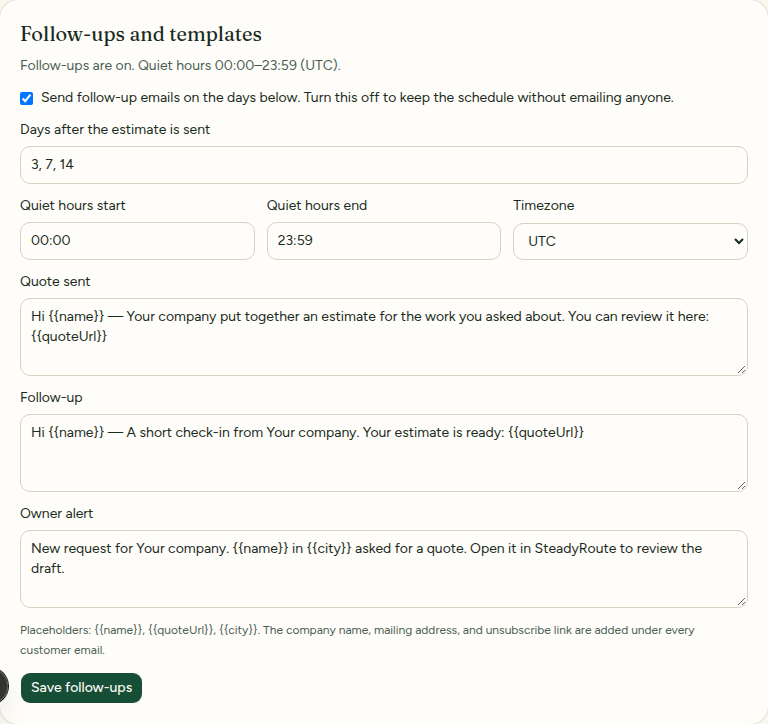
After you send, follow-up emails are scheduled for day 3, day 7, and day 14. You can edit the wording and turn follow-ups off. They stop when the customer accepts, declines, or unsubscribes. Every customer email has a one-click unsubscribe link.